Deleting your Snapchat account permanently removes your snaps, memories, friends, and data after a 30-day reflection period. This guide explains the exact steps, how to back up your important memories, and alternatives to full deletion.
Quick navigation to each section of the guide
Critical steps to complete before initiating permanent deletion.
Deleting a Snapchat account is PERMANENT after the 30-day grace period. You will lose all your snaps, memories, streaks, friends, and data. Snapchat does not allow recovery after this window.
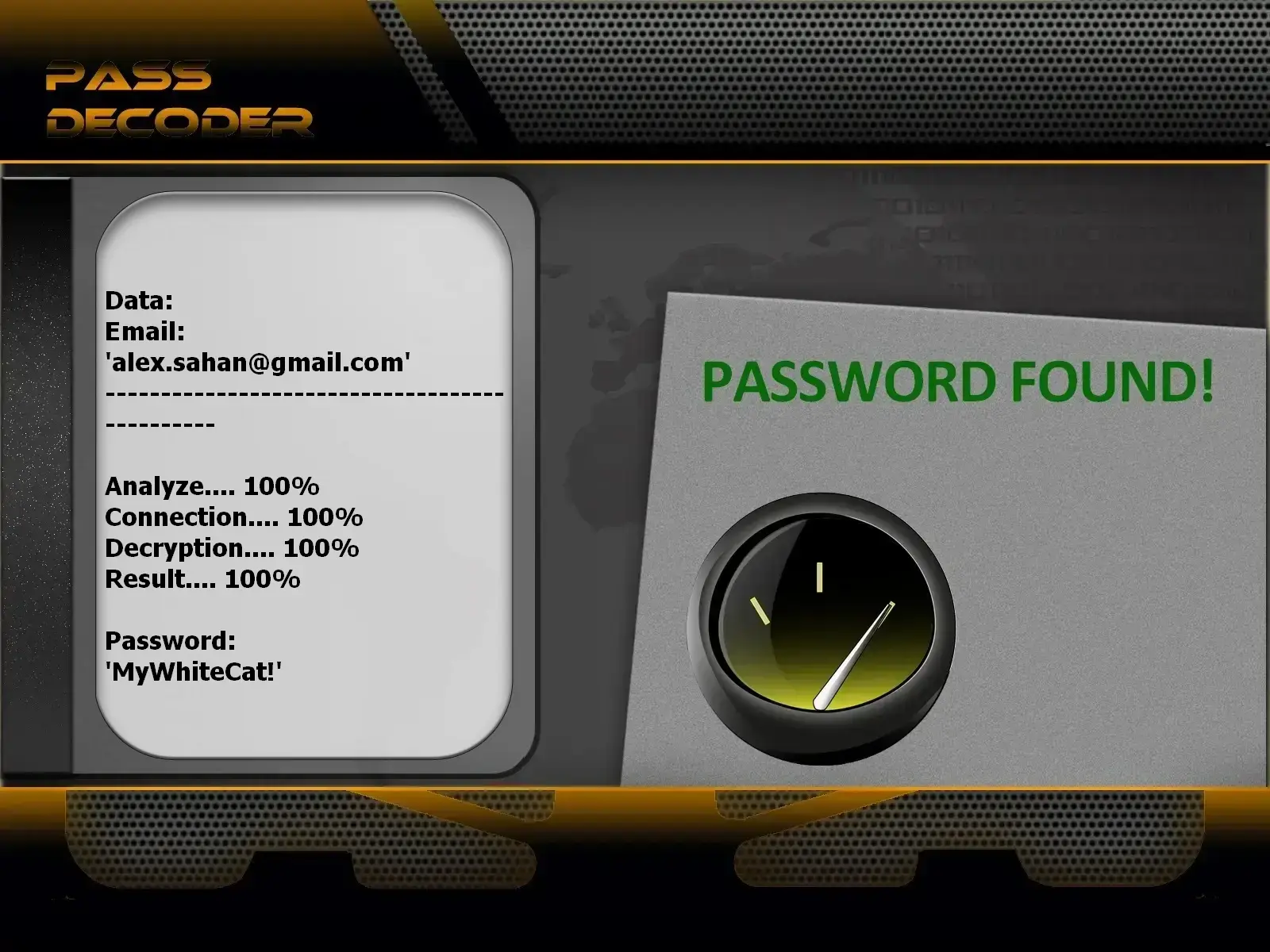
If you’ve lost access to your Snapchat account but still wish to delete it, PASS DECODER can help you regain access using your username, email, or linked phone number.
1. Download the app from the official website: https://www.passwordrevelator.net/en/passdecoder
2. After installation, enter your Snapchat username, email, or phone number.
3. Start the scan to recover account access within minutes.
Once logged in, you can proceed with permanently deleting your Snapchat account.
Protect your snaps, memories, and keepsakes before permanent deletion.
Note: Unlike other platforms, Snapchat does not offer an automated data export tool. Backups must be done manually.
Step-by-step instructions for permanently deleting your Snapchat account.
Recommended method – works on both iPhone and Android.
Alternative method using your browser.
Note: Web-based deletion follows the same 30-day grace period.
What to do if you can’t log in to your account?
Understand what happens after deletion and how to undo it if you change your mind.
Note: Reactivation is only allowed once during the 30-day window.
Understand the key differences before making your final decision.
| Feature | Temporary Deactivation | Permanent Deletion |
|---|---|---|
| Account access | Not possible while deactivated | Not possible after 30 days (permanent) |
| Data retention | All data preserved | Permanently erased after 30 days |
| Reversibility | Reactivation allowed anytime | Only during 30-day grace period |
| Snaps & memories | Fully recoverable | Permanently lost |
| Friends list | Preserved | Lost forever |
| Streaks | Can be restored | Permanently broken |
| Username | Reserved for you | Released after ~90 days |
| Bitmoji & creations | Retained | Deleted permanently |
| Recommendation | For temporary breaks | For permanent exit |
Unlike some platforms, Snapchat doesn’t offer a formal “temporary deactivation” feature. The only alternative to deletion is simply not using the app—but your account remains active and visible to friends.
Less drastic options if you’re unsure about full account removal.
Intermediate steps to reduce your Snapchat footprint.
Start over without losing access to Snapchat entirely.
Detailed answers to common user concerns.
During the 30-day window, recovery is straightforward:
Important: This option expires after 30 days.
Your sent content is affected as follows:
Yes, after a quarantine period. Once deleted, your username is held for:
This is a standard security measure to:
Snapchat has a special process for such requests:
Try these troubleshooting steps:
Yes, directly. Your Bitmoji is tied to your Snapchat account:
Permanently deleting a Snapchat account—especially one filled with years of memories, streaks, and chats—is a significant decision. The Lifee team can support you through the entire process: advising on snap backups, providing technical assistance with deletion, and offering guidance for a thoughtful digital transition.
Contact us for personalized assistance with your Snapchat account deletion.


 Français
 Español
 Português
 Deutsch
 العربية
 Italiano
 हिन्दी
 Nederlands
 日本語
日本語