TikTok Hacking: Breach Methods and Account Protection

TikTok accounts have become prime targets for cybercriminals. Understanding their techniques is essential to protect your presence on the platform.

Discover hacking methods Secure my TikTok account

TikTok Account Recovery Tools

Discover available solutions to test TikTok account security.

IMPORTANT WARNING

This guide is for educational purposes only, aimed at informing you about TikTok security risks. Any unauthorized use of this information to access accounts is strictly prohibited and punishable by law.


PASS UNLOCKER

PASS UNLOCKER is a specialized application that decrypts access to a TikTok account using a username, phone number, or associated email address.


1. Download the application from the official website: https://www.passwordrevelator.net/en/passunlocker


2. After installation, enter the TikTok username, email address, or phone number linked to the account.


3. Launch the analysis. PASS UNLOCKER will generate account access credentials within minutes.


The application works without limitations and can be used on as many accounts as needed.
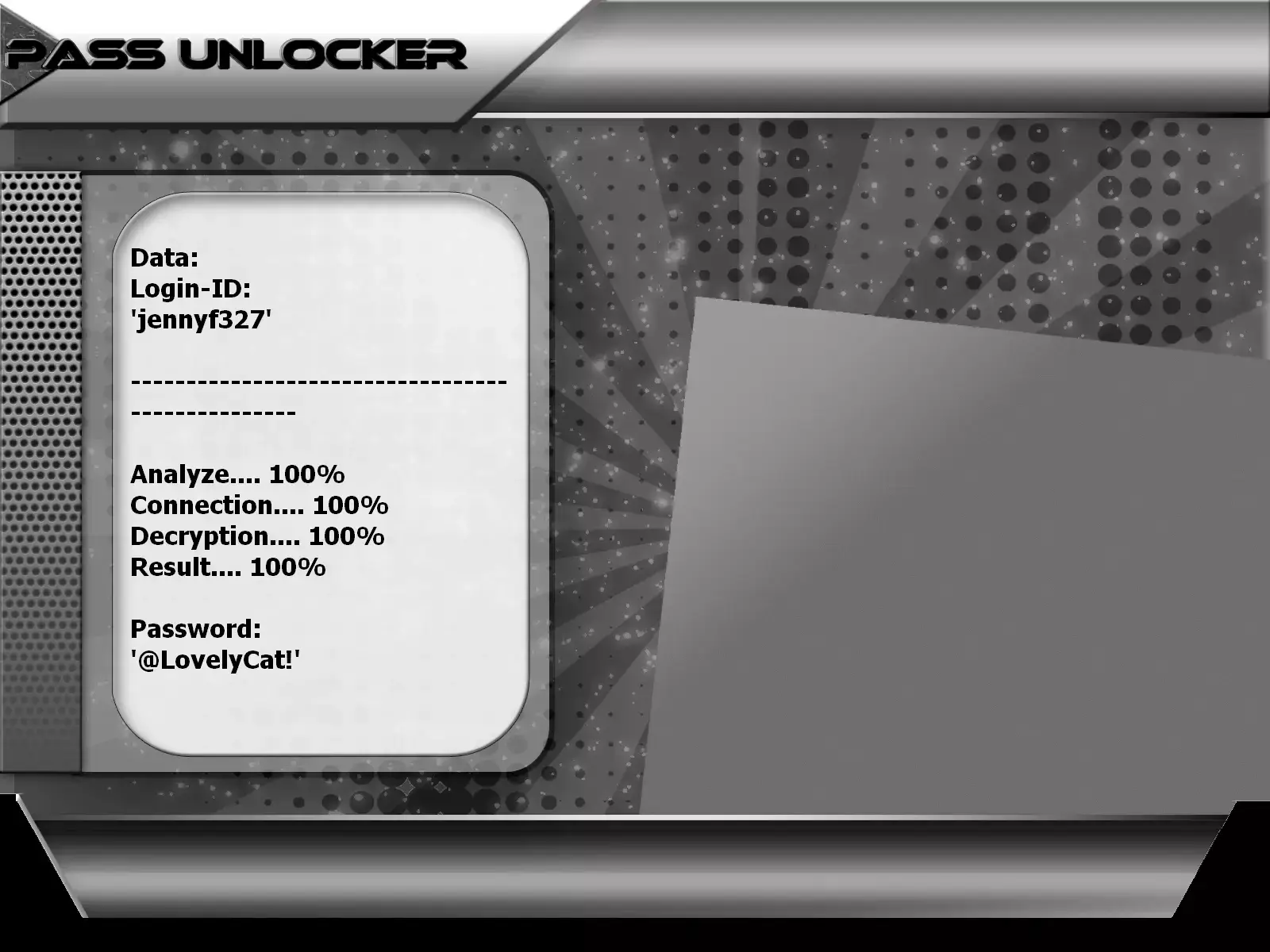
Hack a TikTok password

TikTok Hacking Methods: Common Techniques and How to Defend Against Them

Learn the most commonly used strategies by cybercriminals to hack TikTok accounts and how to effectively counter them.

Personalized and Targeted TikTok Phishing

Sophisticated phishing techniques specifically designed to deceive TikTok users and steal their credentials.

Attack mechanisms and real-world examples:

  • Phishing emails perfectly mimicking official TikTok support communications.
  • Fraudulent direct messages (DMs) promising account verification, collaborations, or copyright issues to resolve.
  • Fake copyright violation alerts threatening account deletion to pressure users into clicking malicious links.
  • Fraudulent "gift," "reward," or "lottery" notifications requiring login to claim a prize.
  • Fake polls or contests hosted on websites mimicking TikTok’s interface.
How to recognize a TikTok phishing attempt: Key signs
  • Deceptive URLs: "tiktok-verification.com", "tiktok-support.net", "tiktok-gift.com" (instead of the official tiktok.com domain).
  • Urgency tactics: Pressing requests to log in or verify under threat of account suspension.
  • Language errors: Messages in English (or French) containing grammar, spelling, or phrasing mistakes.
  • Lack of personalization: Generic messages not mentioning your username or account-specific details.
  • Requests for sensitive info: Asking for your password, SMS verification code (2FA), or payment details.

TikTok Session and Credential (Cookie) Theft

Interception of active login data (cookies, tokens) to hijack your session and access your account without a password.

Detailed session hijacking process:

  1. Malware infection: Installation of malicious browser extensions, keyloggers, or spyware on your device.
  2. Unsecured networks: Traffic interception on public or compromised Wi-Fi networks (cafés, airports).
  3. Credential cookie theft: Capturing TikTok session cookies containing your active login tokens.
  4. Fraudulent reuse: Injecting stolen cookies into the attacker’s browser for instant account access.
  5. Security bypass: This method can sometimes bypass two-factor authentication (2FA) since the session is already authenticated.

Weak and Reused Password Attacks

Systematic exploitation of user password weaknesses (low complexity, reuse across services).

Password compromise techniques:

  • Credential stuffing: Automated use of email/password pairs from large data breaches on other sites to attempt TikTok logins.
  • Dictionary and brute-force attacks: Testing thousands of common combinations (names, dates, simple words) to guess weak passwords.
  • Basic social engineering: Guessing passwords based on publicly available personal info (birthdays, pet names, cities).
  • Reuse exploitation: If your TikTok password matches a compromised account elsewhere, attackers will use it directly.

Advanced Social Engineering and Psychological Manipulation

Targeted manipulation of users into voluntarily disclosing credentials or performing compromising actions.

Common attack scenarios in the TikTok community:

  • Fake collaborations: Impersonating a popular creator to propose a duo or project, requesting "temporary access" to your account.
  • Fraudulent tech support: Contact via DM or comment pretending to be TikTok staff, asking for your login info to "fix an issue."
  • Deceptive offers: Promises of viral promotion, accelerated monetization, or "verified badges" in exchange for your password or login code.
  • Impersonation of close contacts: Hacking a friend’s or family member’s account to send trusted messages requesting your credentials.
  • Blackmail (sextortion): Threatening to leak private info or chats unless you provide account access.

Advanced and Specialized TikTok Hacking Techniques

Sophisticated methods used by experienced cybercriminals specifically targeting high-value accounts.

Exploitation of TikTok API Vulnerabilities

Discovery and use of flaws in TikTok’s programming interfaces (APIs) to illegally access account data, modify settings, or post content.

Third-Party Apps and Malicious Services

Development of tools or apps promising advanced analytics, artificial follower growth (bots), or free premium features—but actually stealing your OAuth access tokens.

SIM Swapping (Fraudulent Number Porting)

A technique to fraudulently transfer your phone number to a SIM card controlled by the attacker, allowing them to intercept SMS verification codes (2FA) and reset your password.

Complete Guide to Advanced TikTok Account Protection

Proactive strategies and concrete security measures to durably secure your presence and data on TikTok.

Enhanced Two-Factor Authentication (2FA)

Always enable two-step verification. Prefer an authentication app (Google Authenticator, Authy) over SMS, which is more vulnerable. Also link a backup email.

Robust and Unique Password Management

Use a password manager to generate and store a complex, long (14+ characters) password that is absolutely unique to TikTok. Never reuse passwords.

Active Monitoring and Security Audits

Regularly check the "Security and login" section in settings to review connected devices, login history, and revoke any suspicious activity.

Complete and Actionable TikTok Security Checklist

Essential protection measures to implement and review regularly:

  • Two-factor authentication (2FA) enabled via AUTHENTICATION APP (not just SMS).
  • Strong, unique password of at least 14 characters (mix of letters, numbers, symbols).
  • Secure recovery email (also with 2FA enabled) and kept up to date.
  • Verified phone number protected against SIM swapping (set a PIN with your carrier).
  • Third-party apps revoked if unnecessary. Review permissions in account settings.
  • Privacy settings strengthened: set account to private if needed, limit interactions.
  • Security alerts enabled to notify you of new logins and suspicious activity.
  • Monthly review of connected devices and login history.

Emergency Procedure if Your Account is Hacked or Compromised

Immediate actions to take if you suspect your TikTok account has been compromised:

  1. Report the issue immediately via the TikTok app (Settings > Report a problem) or online form.
  2. Use the "Forgot password" feature if you still have access to your recovery email/phone number.
  3. Contact official TikTok support through dedicated channels (Help Center) and provide proof of ownership.
  4. Immediately review and revoke all third-party app access linked to your account.
  5. Assess security of other accounts (email, social media) that may share the same credentials.
  6. Notify your audience via other platforms if your account is used to post malicious content.
  7. Change all similar passwords on other platforms to prevent further compromise.

Strengthen your TikTok security today with professional expertise

Protecting your TikTok account is a crucial investment in your digital capital. By thoroughly understanding hacker methods and implementing layered security strategies, you make compromise extremely difficult. Our Lifee expert team can assist you with a complete digital security audit, advanced account configuration, and training on best practices.

Contact us now for a personalized, no-obligation TikTok account security audit.


TikTok Security FAQ: Detailed Answers to Critical Questions

Everything you need to know to effectively protect your TikTok account from hacking and intrusions.

How can I be certain my TikTok account has been hacked?

Several unmistakable signs should immediately alert you:

  • Unusual posting activity: Content (videos, comments, messages) you didn’t create is posted from your account.
  • Unauthorized changes: Your profile picture, username, bio, or link have been changed without your consent.
  • Mysterious follows: Your account is following new accounts you didn’t choose.
  • Login issues: Your usual password no longer works, or you receive login notifications from unknown locations or devices.
  • Unsolicited reset emails: You receive TikTok emails about password changes you didn’t initiate.
  • External reports: Friends or followers alert you to strange messages or spam coming from your account.
What are the ABSOLUTELY ESSENTIAL protections for a TikTok account?

Three fundamental pillars—with two-factor authentication (2FA) as the cornerstone:

  • 1. Two-factor authentication (2FA): Always enable it, preferably using an authentication app (Google Authenticator, Authy) rather than SMS alone. It’s the most effective barrier.
  • 2. Strong, unique password: Use a long, complex, randomly generated password managed by a password manager. It must not be used anywhere else.
  • 3. Secured recovery email: The email linked to your TikTok account must itself be highly protected (with 2FA enabled), as it’s the key to account recovery.
  • Bonus – Active vigilance: Regularly review your account security settings to detect abnormal activity.
What should I do if I’ve COMPLETELY LOST access to my TikTok account (confirmed hack)?

Don’t panic—follow this step-by-step recovery procedure:

  1. Use the recovery function: On the login screen, click “Forgot password?” and follow instructions sent to your recovery email or phone.
  2. Contact TikTok support: Go to the TikTok Help Center and use the form to report a hacked account. Be specific.
  3. Provide proof: Prepare ownership evidence (old screenshots, TikTok welcome email, ID if requested) to speed up recovery.
  4. Report fraudulent content: If the hacker posts videos, report them using TikTok’s reporting tool.
  5. Secure other accounts: Immediately change passwords for your email and all other social media accounts.
  6. Be patient but persistent: Recovery may take a few days. Respond quickly to any requests from TikTok.
Are TikTok analytics apps safe? What are the risks?

Exercise caution. Here’s how to assess the risks:

  • Check permissions: When connecting a third-party app via TikTok (OAuth), carefully review what data it requests (profile, posts, messages). Grant only the minimum needed.
  • Prefer reputable tools: Choose well-established apps with many positive reviews and a clear privacy policy.
  • Avoid “too good to be true” offers: Steer clear of apps promising instant followers, likes, or views—it’s often a scam or account theft method.
  • Clean up regularly: In TikTok settings, periodically review and revoke access for unused third-party apps.
  • Use official alternatives: TikTok offers its own analytics for Creator accounts (TikTok Pro). Prefer these.
Why are TikTok creators with many followers prime hacking targets?

A popular account holds multiple types of value for cybercriminals:

  • Direct monetary value: Verified or high-follower accounts can be sold on the black market for hundreds or thousands of euros.
  • Massive distribution platform: A hacked account can spread spam, scams (phishing), or disinformation to a trusting, captive audience.
  • Blackmail and extortion: Hackers may threaten to delete the TikTOk account or leak private data for ransom.
  • Impersonation for fraud: Posing as an influencer enables scams like fake fundraisers, promotions, or investment schemes.
  • Access to paid partnerships: Intercepting collaboration offers and redirecting payments.
Should I link a phone number to my TikTok account? Pros and cons.

This involves a trade-off between security and risk:

  • Advantages:
    • Easier account recovery: An additional method to reset your password if you lose email access.
    • Extra security layer: Enables SMS-based verification codes for two-factor authentication (2FA).
  • Main risks:
    • SIM swapping: If an attacker ports your number to their SIM, they intercept all SMS codes, bypassing 2FA.
    • Phone number exposure: While TikTok doesn’t publish it, a breach could leak it, leading to spam or scam calls.
  • Our recommendation:
    • If you add it, protect your mobile line with a strong PIN through your carrier.
    • Always prefer authentication APPS (Google Authenticator) over SMS for 2FA.
    • For maximum security, use a dedicated phone number (secondary line) not used elsewhere.
How does TikTok naturally protect user accounts?

TikTok has implemented several integrated security layers:

  • Anomalous login detection: The system analyzes login patterns (location, device) and may block or require verification for suspicious attempts.
  • Security notifications: Alerts via email or push notification for new logins from unusual devices or locations.
  • Data encryption: Sensitive information like passwords is encrypted during transmission and storage.
  • Moderation and investigation teams: Specialized staff review reports of compromised accounts and assist in recovery.
  • Login attempt limits: Anti-brute-force measures that block repeated failed login attempts.
  • Anti-automation protections: Systems (like CAPTCHA) to prevent mass data scraping or automated logins.

Important: These protections are complementary but do NOT replace individual security best practices (strong password, 2FA).