Gmail Hacking: Real Hacker Techniques and Protection Solutions
Every day, thousands of Gmail accounts are compromised by increasingly sophisticated hacking methods. Understanding how hackers operate is the first step toward effectively protecting your account. This guide reveals the real techniques used and concrete solutions to defend yourself.
Gmail Hacking Methods Explained in Detail
Understand hacker techniques to better protect yourself
Advanced Gmail Hacking Techniques
⚠️ IMPORTANT WARNING
This article is for educational purposes only. The information provided aims to help you understand risks and better protect your account. Any malicious use of these techniques is illegal.
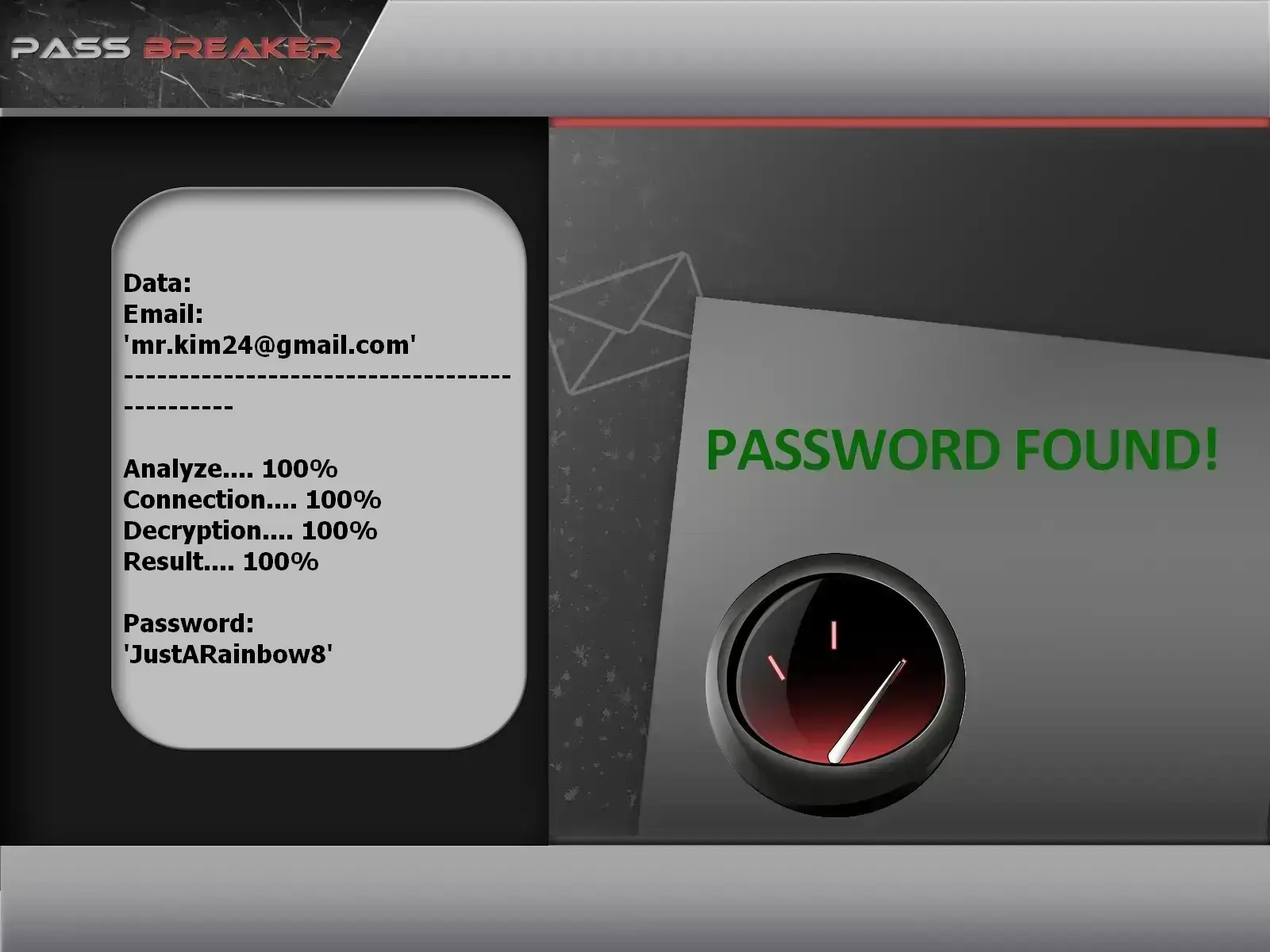
PASS BREAKER
With the PASS BREAKER application, easily regain access to a Gmail account or any other Google service (like YouTube) using only an email address or username. Follow these steps:
Change your password: Use a strong 16+ character password generated by a manager
Sign out of ALL active sessions: Revoke access from all devices simultaneously
Complete third-party app audit: Remove any unrecognized or suspicious OAuth apps
Check inbox filter rules: Review and delete unauthorized forwarding, filtering, or auto-deletion rules
Report the incident to Google: Use the official compromised account reporting form
Alert your contacts: Inform important correspondents that your account was compromised.
Contact your mobile operator: Verify that no SIM swapping occurred on your line
Conclusion: A Multi-Layered Security Approach Is Essential
Effective Gmail account protection requires a deep defensive strategy combining advanced technical measures and constant behavioral vigilance. No single solution offers absolute protection, but layered implementation of strong passwords, appropriate multi-factor authentication, proactive monitoring, and continuous education makes hacking extremely difficult and costly for cybercriminals.
Complete Gmail Security Checklist
✅ Unique, complex password (minimum 16 alphanumeric + special characters)
✅ Two-factor authentication via app (Google Authenticator) or physical key (YubiKey)
✅ Monthly review of account activity and suspicious logins
✅ Strict, minimal permissions for third-party apps
✅ Regular offline backup of important Gmail data
✅ Ongoing security awareness and social engineering education
✅ Quarterly review of security and recovery settings
✅ Exclusive use of secure connections (VPN on public Wi-Fi)
Strengthen your Gmail security today with a proactive strategy
Protecting your personal or professional email account is fundamental in our interconnected digital ecosystem. By deeply understanding the sophisticated methods used by cybercriminals and consistently implementing appropriate protections, you significantly reduce your attack surface and risk of catastrophic compromise. Our Lifee security experts can assist you with a thorough audit, reinforcement, and ongoing maintenance of your Gmail digital security posture.
Frequently Asked Questions About Gmail Security and Hacking
Expert answers to the most common questions about account protection and recovery
How do hackers actually access a Gmail account without the password?
Cybercriminals primarily use three password-bypassing methods: 1) Session cookie theft via malware to access open sessions, 2) SIM swapping to intercept SMS 2FA codes, and 3) Social engineering to trick either Google support or the user themselves. Only 23% of hacks actually involve password cracking.
What are the most subtle signs my Gmail has been hacked?
Beyond obvious signs, watch for these subtle indicators: 1) Sudden spam increase (testing filters), 2) Emails marked as read that you didn’t open, 3) Unusual Gmail slowdown, 4) Contacts reporting strange replies to old emails, 5) Filter rules you didn’t create, 6) Unauthorized "Google Takeout" activity.
Is SIM swapping covered by insurance or considered a crime?
Yes, SIM swapping is a serious cybercrime punishable by law (up to 5 years imprisonment in France). Regarding insurance: 1) Cyber insurance often covers direct financial losses, 2) Mobile operators may be liable if they failed to verify identity properly, 3) Civil liability may cover damages to your contacts. Always keep evidence and file a police report.
Are physical security keys like YubiKey truly unbreakable?
FIDO2/WebAuthn security keys offer the highest available protection because: 1) They use public-key cryptography with local authentication, 2) They are immune to phishing (the website domain is verified), and 3) No secret data ever leaves the key. No remote attacks have succeeded against them, though complex physical attacks with direct key access have been demonstrated in labs.
How long does it really take to recover a hacked Gmail account with Google?
What if the hacker enabled 2FA and changed all my recovery info?
This requires a methodical approach: 1) Use Google’s recovery form with maximum historical details (old passwords, creation dates, frequent contacts), 2) Provide scanned identity proof, 3) Contact Google Pay support if your account was payment-linked, 4) If denied, use the appeal process with documents sent by registered mail, 5) Consult a cybercrime-specialized lawyer to assert your rights.


 Français
 Español
 Português
 Deutsch
 العربية
 Italiano
 हिन्दी
 Nederlands
 日本語
日本語